Less than two seconds behind the suite. No account and nothing to set up: a room link and password from your colorist is all you need.


How it works
- Your colorist sends a room link.
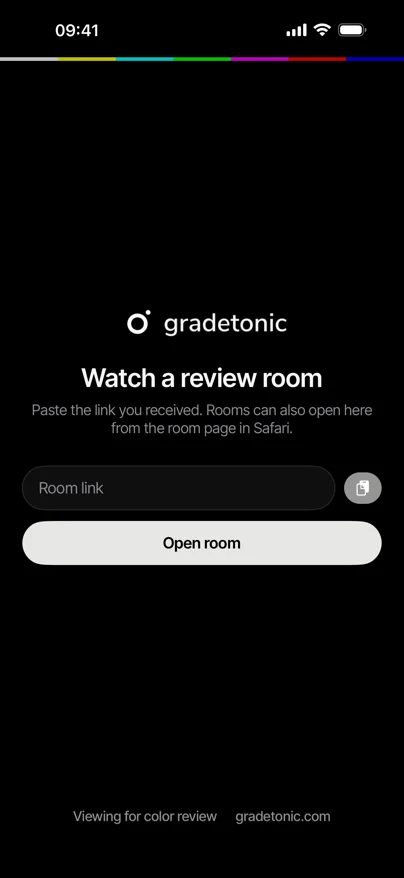
- Open it in the app. Paste the link in the app, or open the room in Safari and tap Open in app.
- Enter the room password and watch.
The app runs on iPhone and iPad with iOS 15 or later. On a Mac or PC, the room opens in any modern browser: see Watching a session.
Viewing for color review
- Use an iPad Pro with Reference Mode on (Settings › Display & Brightness › Advanced).
- Turn off True Tone, Night Shift and Auto-Brightness.
- Watch in a dim, neutral room, without bright windows or colored light behind the screen.
This is review quality, not a reference monitor. For final, color-critical decisions, use a calibrated display.